



October 10, 2026
A digital office manager is an AI assistant that works alongside each employee and quietly checks the things people mean to do but lose track of: emails that needed a reply, replies that missed a question, meetings coming up, and promises made in those meetings. It does not replace anyone. It gives every person the kind of backup that used to belong only to executives with an assistant.
This is the third post in our four-part series on practical AI for New Orleans and Northshore businesses. The first post covered copy-and-paste work AI can take over. The second covered the checks that silently stop happening when an office is busy. This post brings the same idea down to the level of each person on your team.
Why individual follow-through slips
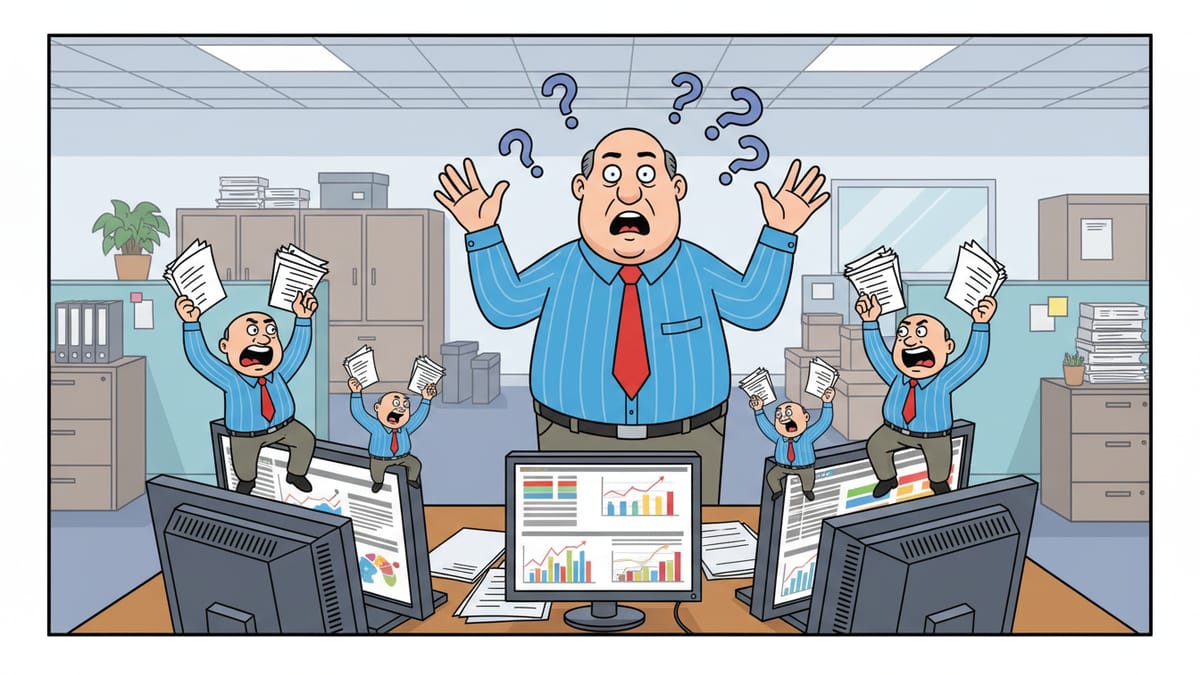
Good employees drop things for ordinary reasons. Their inbox is full. A client asked three questions in one email and the reply answered two. A meeting ended with "I will send that over Friday," and Friday turned into a fire drill. Nobody did anything wrong, yet the client walks away feeling ignored.
Managers cannot catch these misses either. They would have to read everyone's email and sit in every meeting. So the misses surface only when a client complains, or never.
What a digital office manager checks
Think of the assistant as a sharp, patient office manager assigned to one person. Each day, it works through four questions with that person.
1. Did every email that needed a reply get one?
The assistant reviews the person's inbox and finds messages that ask a question or request something and have no reply yet. It skips newsletters, notifications and messages where someone else already answered. The result is a short list: "These five messages are still waiting on you."
2. Did each reply answer everything that was asked?
This is where AI shines. The assistant compares a sent reply against the original message and notices when a question went unanswered. "The client asked about the delivery date, the price and the warranty. Your reply covered the first two." A thirty-second follow-up fixes what would otherwise be a frustrated client.
3. What meetings are coming up, and what do I need for them?
Each morning, the assistant lists the day's meetings, who is attending, and anything relevant from recent email with those people. Nobody walks into a meeting having forgotten the last conversation.
4. Did I do what I said I would do?
Meeting tools can now record and transcribe a meeting. The assistant reads the transcript, pulls out each commitment the person made, such as "I will send the revised quote" or "I will check with the vendor," and then checks later whether it happened. If the quote was never sent, the person gets a reminder before the client has to ask.
In our own shop at Ener Systems, AI already builds our technicians' time entries from the work record, and in one pass it posted 31 entries nobody had to type by hand.
What it is not
A digital office manager is not a surveillance tool, and it should not be set up as one. It works for the employee, reports to the employee and helps the employee look good. When people see it that way, they use it. When they see it as a manager reading over their shoulder, they work around it.
Set clear rules from day one:
- The assistant's daily list goes to the employee, not to their boss.
- The assistant suggests and drafts. The employee decides and sends.
- Meeting transcripts are used only with the attendees' knowledge, under a written company policy.
- The assistant follows the same access rules as the employee and sees nothing the employee cannot see.
Security and privacy come first
An assistant that reads email and meeting transcripts handles sensitive information. Set it up inside your existing Microsoft 365 environment, with proper permissions and logging, rather than letting each employee paste email into whatever AI website they found. Our Microsoft 365 services and cybersecurity services teams handle that setup so client data stays where it belongs.
How to start
- Start with one team. Pick a group that lives in email, such as client service or project coordinators.
- Start with one question. "Which emails still need a reply?" is easy to trust and quick to show value.
- Add the others as trust grows. Reply checks, meeting prep and commitment tracking follow once the team relies on the first list.
- Ask the team what helps. The best improvements come from the people using it every day.
One assistant per person is a start, not the finish
A digital office manager for each employee is powerful. It becomes far more powerful when every assistant shares the same company knowledge, rules and connections instead of each person running their own separate AI. That difference is the subject of the final post in this series, Why Everyone Using Their Own AI Chat Hits a Ceiling.
Where Ener Systems fits
We help Louisiana businesses roll out AI assistants that respect privacy, follow company rules and connect safely to email, calendars and meeting tools. Our AI strategy and enablement service covers the policy, setup and training. If you want to know what your current systems can support, start with a free network assessment.
Frequently asked questions
What is a digital office manager?
An AI assistant that works with one employee to check unanswered emails, incomplete replies, upcoming meetings and commitments made in meetings, then gives that person a short daily list.
Does the assistant send emails on its own?
It should not, at least at first. The assistant suggests and drafts; the employee reviews and sends.
Is this a way for managers to monitor employees?
No. It works best when the daily list goes only to the employee and the assistant sees nothing the employee cannot already see.
Is it safe to let AI read our email?
It can be, when the assistant runs inside your existing Microsoft 365 environment with proper permissions, logging and a written policy, rather than through public AI websites.
